

rEFInd is an easy to use boot manager for UEFI based systems and this is a simplistic clean and minimal theme.
This forked theme is a modified dark version of refind-theme-regular by bobafetthotmail.
The original theme was refind-theme-regular by munlik.
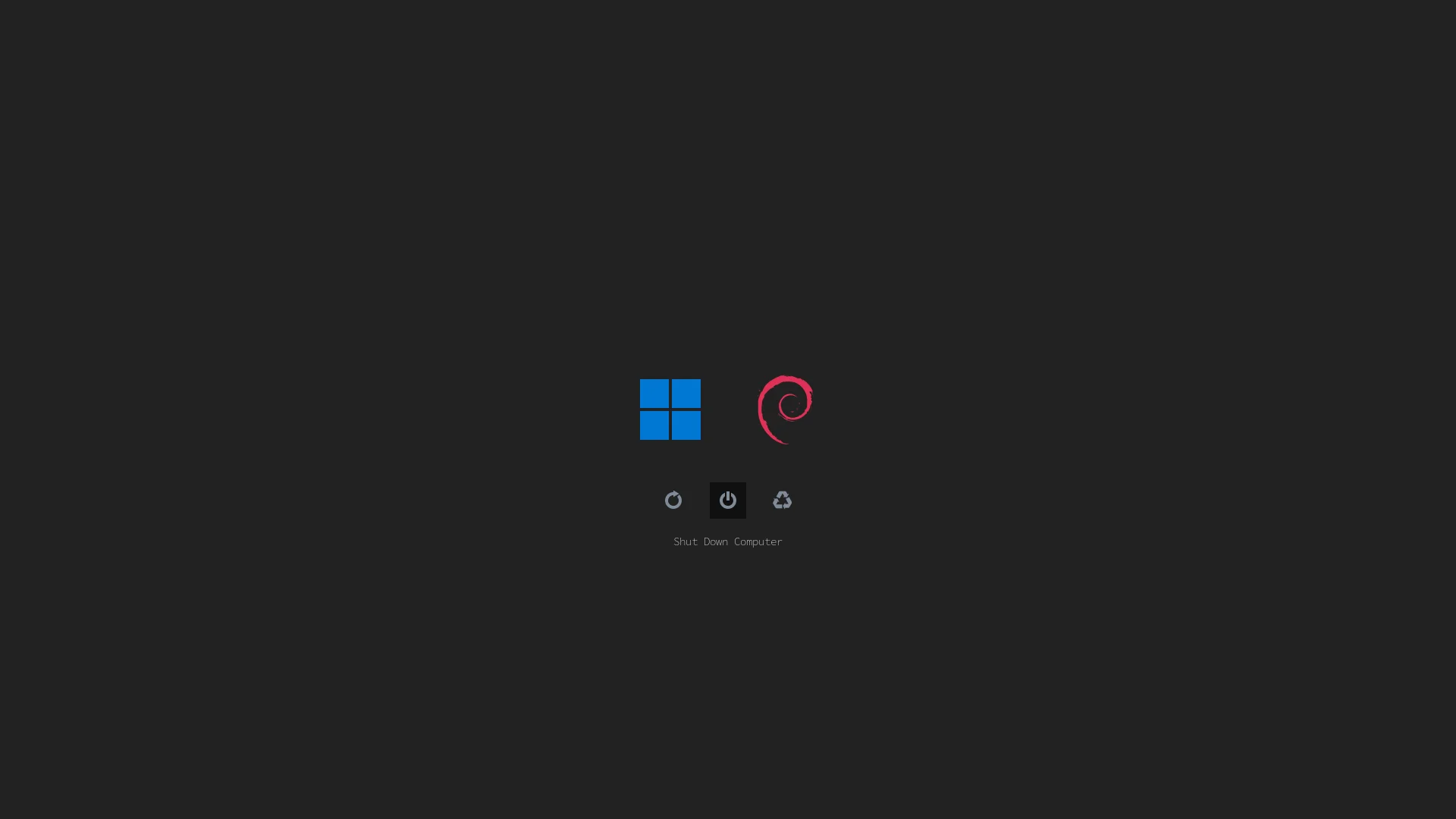
Clone this repo to your local directory by running the following command in terminal.
git clone https://github.com/mehedi-codes/refind-regular-dark.git-
Locate your rEFInd EFI directory. This is commonly
/boot/EFI/refindthough it will depend on where you mount your ESP and where rEFInd is installed.fdisk -landmountmay help. -
Create a folder called
themesinside it, if it doesn't already exist. -
Clone this repository into the
themesdirectory. -
To enable the theme, add the following line at the end of
refind.conf:
include themes/refind-regular-dark/theme.confHere's an example menuentry configuration (from the screenshot):
menuentry "Windows_11" {
   icon /EFI/refind/themes/refind-regular-dark/icons/os_win11.png
   loader /EFI/Microsoft/Boot/bootmgfw.efi
}

menuentry "Debian" {
    icon /EFI/refind/themes/refind-regular-dark/icons/os_debian.png
    volume 53f60ca1-c118-4885-b66b-3f29039e5a43
    loader /boot/vmlinuz-6.1.0-9-amd64
    initrd /boot/initrd.img-6.1.0-9-amd64
    options "root=UUID=60ebb4c2-e9e3-4ba4-a0a8-f662d51d8b4d ro quiet nomodeset mitigations=off"
}
Entries that are autodetected should also show the proper icons.