

Shatter Shell is a keyboard-driven layer for GNOME Shell which allows for quick and sensible navigation and management of windows. The core feature of Shatter Shell is the addition of advanced tiling window management — a feature that has been highly sought within our community. For many — ourselves included — i3wm has become the leading competitor to the GNOME desktop.
Tiling window management in GNOME is virtually nonexistent, which makes the desktop awkward to interact with when your needs exceed that of two windows at a given time. Luckily, GNOME Shell is an extensible desktop with the foundations that make it possible to implement a tiling window manager on top of the desktop.
Therefore, we see an opportunity here to advance the usability of the GNOME desktop to better accommodate the needs of our community with Shatter Shell. Advanced tiling window management is a must for the desktop, so we've merged i3-like tiling window management with the GNOME desktop for the best of both worlds.
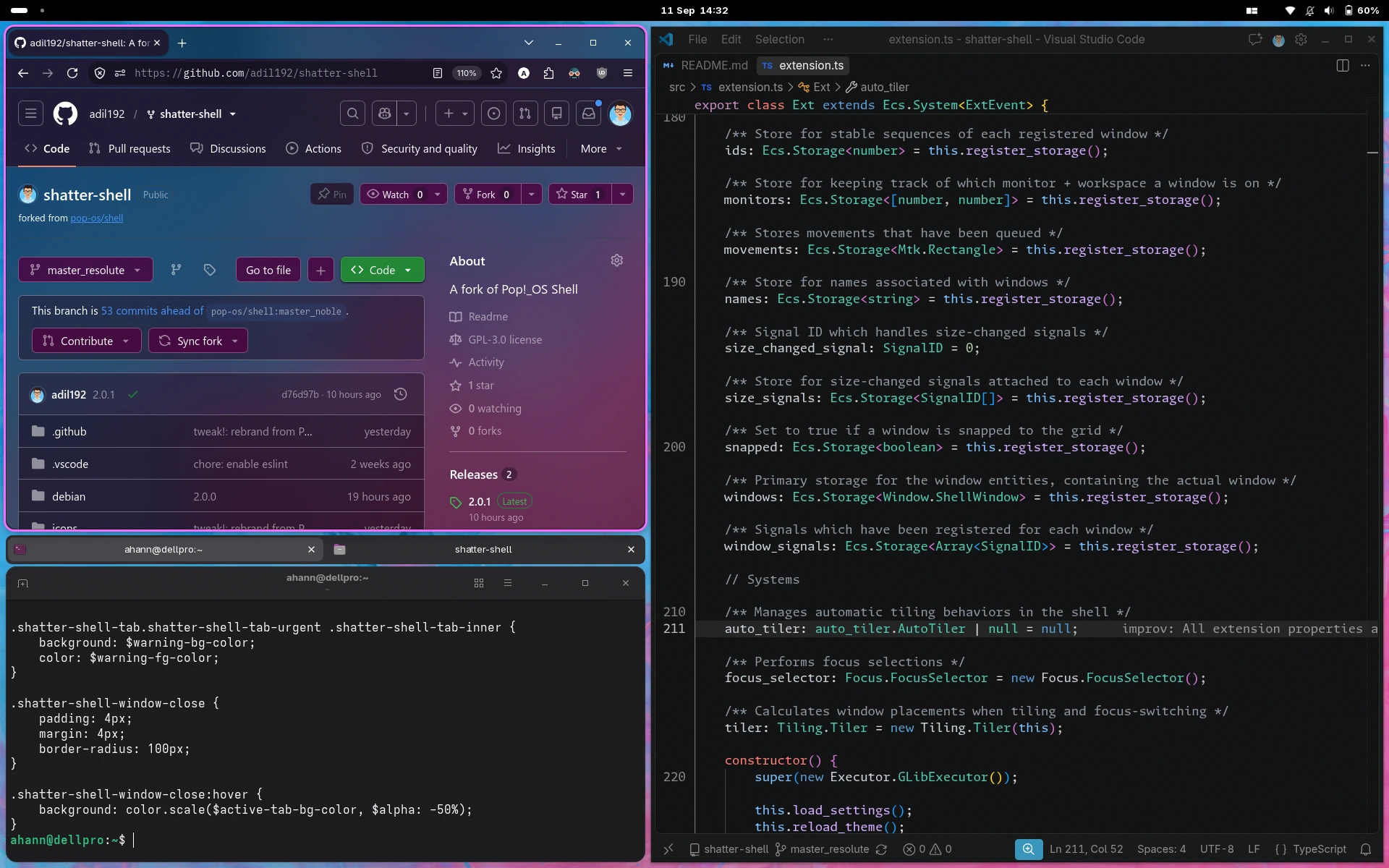
This is a fork of the original pop-os/shell repo, which is no longer being developedsource.
Find a summary of this fork's main improvements in the 2.0.0 release and incremental improvements in the other releases.
There are a few ways to install Shatter Shell. Expand the section that works for your system...
Install on  Fedora and Fedora-based distros
Shatter Shell is included in the Terra community repo.
- Add the Terra repo if you haven't already:
sudo dnf install --nogpgcheck --repofrompath 'terra,https://repos.fyralabs.com/terra$releasever' terra-release - Remove the original Pop Shell if you have it:
sudo dnf remove gnome-shell-extension-pop-shell
- Install Shatter Shell:
sudo dnf install gnome-shell-extension-shatter-shell
Install on  Arch and Arch-based distros
This repo includes a PKGBUILD for Arch.
- Clone this repo:
git clone https://github.com/adil192/shatter-shell cd shatter-shell - Build and install:
makepkg -si
Install on any distro from a GitHub release
- Download the zip from the latest release.
- Run
gnome-extensions install -f path/to/shatter-shell@adilhanney.com_*.zip.
Install on any distro from source
To get the latest bleeding edge changes, build Shatter Shell from source:
- Install build dependencies, e.g.:
sudo dnf install make git npm
- Clone this repo:
git clone https://github.com/adil192/shatter-shell cd shatter-shell - Build and install:
make local-install
Note: Make sure to use make local-install NOT make install. The latter is intended for package maintainers and bypasses the GNOME extension installation process.
Post-install (all methods):
After installing with one of the above methods, you need to log out and back in.
Then enable the extension in Extension Manager.
Alternatively, run gnome-extensions enable shatter-shell@adilhanney.com in a terminal.
Remove the extension with Extension Manager. Alternatively, run gnome-extensions uninstall shatter-shell@adilhanney.com in a terminal.
Then open the "Keyboard Shortcuts" page in GNOME Settings and click the "Reset All..." button.
Please install the following as dependencies when developing:
makeNode.js(22.18 or newer)dart-sass(optional, for faster builds)mutter-devkit(optional, for testing)
To test your changes while working on the shell, run make debug to start a nested GNOME session.
See the documentation at https://gjs.guide/extensions/development/debugging.html.
Licensed under the GNU General Public License, Version 3.0, (LICENSE or https://www.gnu.org/licenses/gpl-3.0.en.html)
Any contribution intentionally submitted for inclusion in the work by you shall be licensed under the GNU GPLv3.
99.9% of the code is written by a human.
I use AI code review as a second pair of eyes in pull requests, which sometimes catches mistakes I missed.
AI does not decide anything, design anything, or write any meaningful amount of code.