
Bulk subtitle downloader scripts made for downsub.com. These scripts are designed to be run directly in your browser using Tampermonkey.
⚙️ Scripts were written about ~2 months ago and tested primarily on Microsoft Edge.
This repository contains two Tampermonkey scripts:
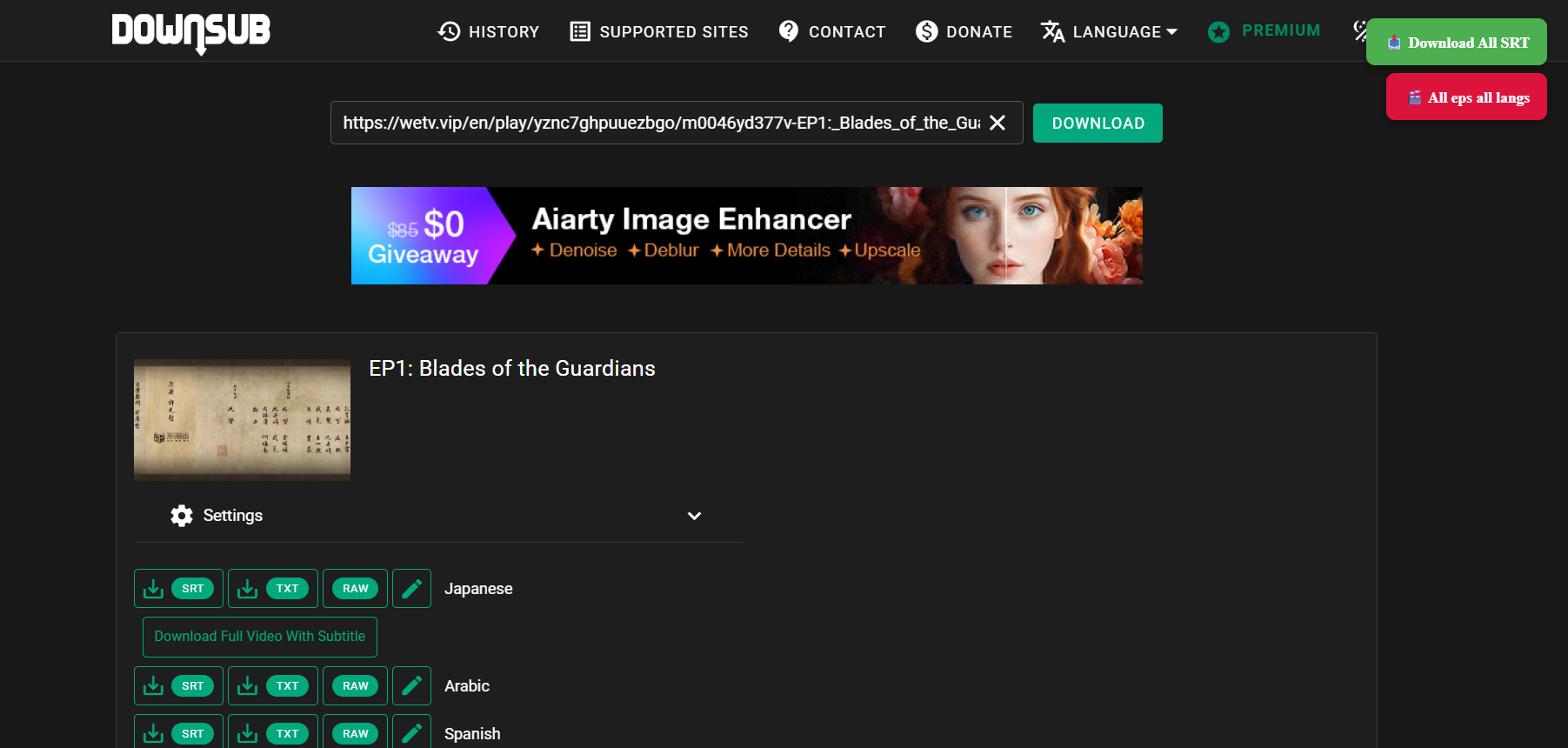
- Downloads all available subtitle files (SRT) for the current episode/page — across all languages.
- Adds a green “Download all SRT” button at the top-right corner of the page.
- Automatically downloads all subtitles (all languages) from all episodes — no need to manually open each episode page.
- Adds a red “All eps all langs” button at the top-right corner.
-
Install Tampermonkey in your browser.
-
Import either or both of the scripts from this repository.
-
Go to downsub.com and paste a valid link.
-
You’ll see the new icons appear at the top-right of the page:
- 🟩 Download all SRT → for single-episode downloads
- 🟥 All eps all langs → for multi-episode bulk downloads
-
Click your desired button, and the script will start working automatically.
-
🟢 Microsoft Edge: Files download automatically (no pop-ups).
-
🔴 Google Chrome: You’ll get download confirmation pop-ups for each file.
- I swear when I tested this 2 months ago, there was no pop-up.
- Now, I don’t have the time to find a workaround.
-
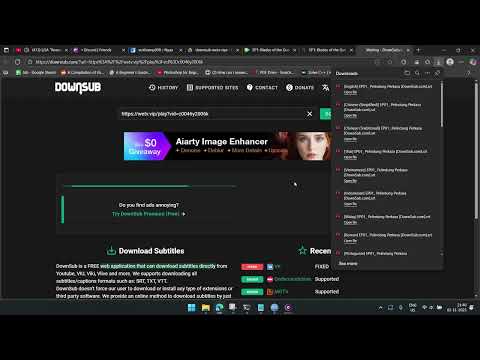
Shows full automation for downloading all subtitles from all episodes.
-
Known issues:
- Occasionally, the new webpage gets stuck at
about:blank, or just doesn't parse the url properly. It breaks the flow and nothing gets downloaded further. - After running for a while, the page slows down and only downloads about 30–60% of the total subtitles on the webpage.
- Occasionally, the new webpage gets stuck at
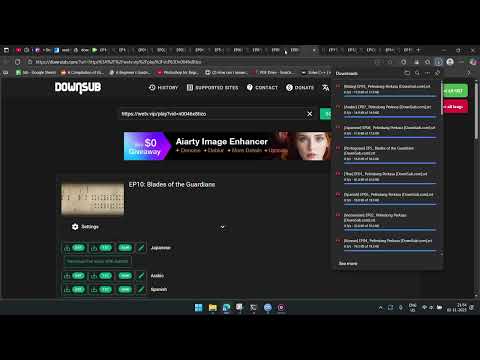
- Demonstrates the manual but stable method of downloading subtitles episode-by-episode.
- Much faster and more consistent on low-end hardware (like my laptop).
- If I had a better PC, I’d stick with the V5 All Episodes script 😅
These scripts were built for personal use and convenience — not optimized or maintained further. You’re free to fork, modify, or improve them as needed.
If you experience issues like incomplete downloads or browser lag — it’s probably due to:
- browser limitations,
- system performance,
- or Downsub’s dynamic page loading behavior.