
 An open-source suite for digital logic design, simulation and computer architecture exploration.
SILICON combines a graphical circuit editor, an event-driven simulation kernel and Verilog interoperability in a single environment. It is designed for education, experimentation and the exploration of digital systems, from elementary logic gates to hierarchical circuits and processor architectures.
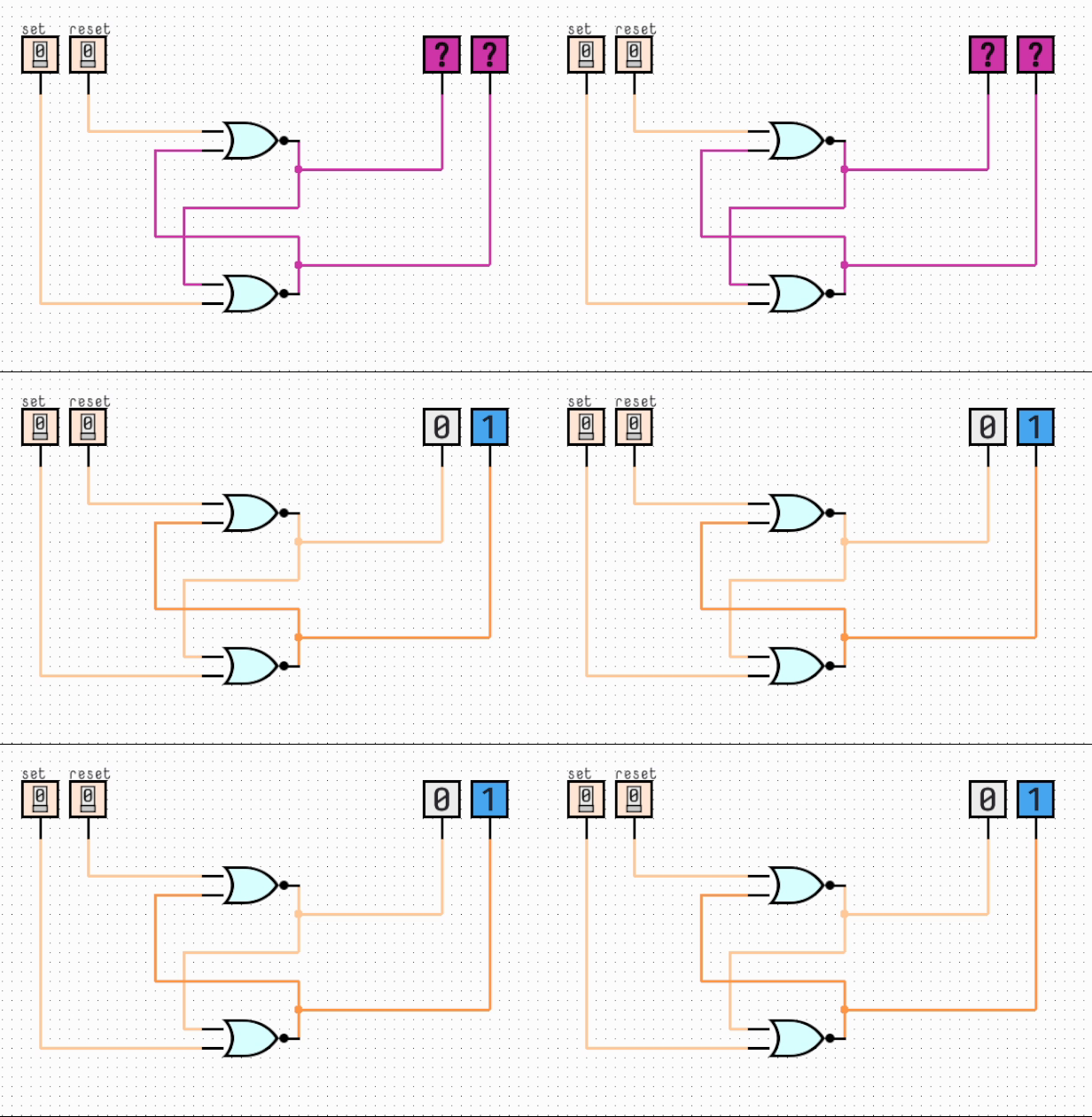
Website, downloads and documentation · Releases · Report an issue
Currently supported by the Bachelor's Degree programme in Electronic Engineering and Informaton tecnology @ The University of Genoa
Package repository hosting is graciously provided by Cloudsmith. Cloudsmith is the only fully hosted, cloud-native, universal package management solution, that enables your organization to create, store and share packages in any format, to any place, with total confidence.
- Interactive schematic editor with configurable components and multi-bit buses.
- Combinational and sequential logic, including gates, arithmetic units, multiplexers, flip-flops, registers and ROMs.
- Hierarchical design through reusable subcircuits with named ports and customizable graphical symbols.
- Automatic component placement using OGDF and orthogonal wire routing using libavoid.
- Event-driven simulation with configurable propagation delays and delta-cycle semantics.
- Graph-based execution planning, strongly connected component decomposition and incremental evaluation of affected logic.
- Feedback-loop evaluation and staged updates for edge-triggered sequential components.
- Interactive signal manipulation and timed simulation, with unknown and error state handling.
- Waveform visualization, editable input stimuli, simulation replay and FST trace export.
- Import Verilog designs through Yosys and convert supported netlists into editable graphical circuits.
- Export circuits to Verilog through the Yosys integration.
- Support for hierarchical and multi-module designs, with reusable circuit definitions.
- Integrated source editor with syntax highlighting.
- SISL instruction set architecture descriptions, compilation and visualization.
- Binary document editing and file-backed ROM contents.
- Integrated workspace for circuit, source, architecture and binary documents.
- Versioned
.silproject archives containing logic circuits, HDL code and binary files.
SILICON is available for Linux and Windows, and can also run directly in a browser through WebAssembly. Visit the website for downloads, nightly builds, the online application and documentation.
SILICON is under active development; features and project file compatibility may evolve between versions. Some integrations depend on the platform and availability of external tools.
SILICON uses Nix and CMake in order to manage dependencies. It's recomended to use Ninja Build as a generator.
If you're not using NixOS as a distro, you can install Nix using the official instructions, however I personally recommend using Lix, a modern Nix fork, which can be installed running the following command in a Linux system:
curl -sSf -L https://install.lix.systems/lix | sh -s -- installThen enable the experimental features required by SILICON running:
echo "experimental-features = nix-command flakes" >> ~/.config/nix/nix.confFinally, run the commands below to compile the develop edition of SILICON on Linux:
git clone https://github.com/GiulioCocconi/SILICON
cd SILICON
nix build # Downloads the dependencies and builds the softwareOnly recent versions of the MinGW compiler are supported (tested using version 13.0), you can install them via this graphical installer.
The only thing you need to install for dependency management is CMake, since the CMakeLists installs the dependency manager vcpkg automatically.
Since all dependencies are built from source, the first time you run CMake you might need to wait a few minutes (or hours, depending on your compute power).
To start the compilation process, once you have installed the compiler and CMake, run the following commands:
git clone https://github.com/GiulioCocconi/SILICON
cd SILICON
mkdir build
cmake -G "MinGW Makefiles" -Bbuild
make -C buildgit clone https://github.com/GiulioCocconi/SILICON
cd SILICON
nix develop # It also installs the DDD debugger
mkdir build
cmake -G "Ninja" -Bbuild -DCMAKE_BUILD_TYPE=Debug
ninja -C buildgit clone https://github.com/GiulioCocconi/SILICON
cd SILICON
mkdir build
cmake -G "MinGW Makefiles" -Bbuild -DCMAKE_BUILD_TYPE=Debug
make -C build